Instagram stories are private, but sometimes they’re not that private after all. If you want to share private moments on Instagram, you may want to find out how to know if someone screenshots your instagram story. This guide explains to you what Instagram does say, what it doesn’t, and how to keep your content safe.
Why People Worry About Instagram Story Screenshots
Stories can be viewed only for 24 hours. This allows people to take pictures without any hesitation because they do not need to be present for a long time. But screenshots could save this content forever. A friend, follower, or stranger may record your story without your knowledge. This issue leaves many using these apps looking for ways to follow story screenshots.
In recent years, privacy is a more significant issue on social media. There are more intimate moments shared than ever. One story can give away your whereabouts, routine, or even your personal conversations. It’s uncomfortable for many users when they lose control of such content.
Those creating content have an even greater challenge. Our original pictures and videos are actually the hard work and time. Thanks to screenshots, others can post that work without giving you credit. This is why it is crucial for influencers and small businesses to be aware of screenshots.
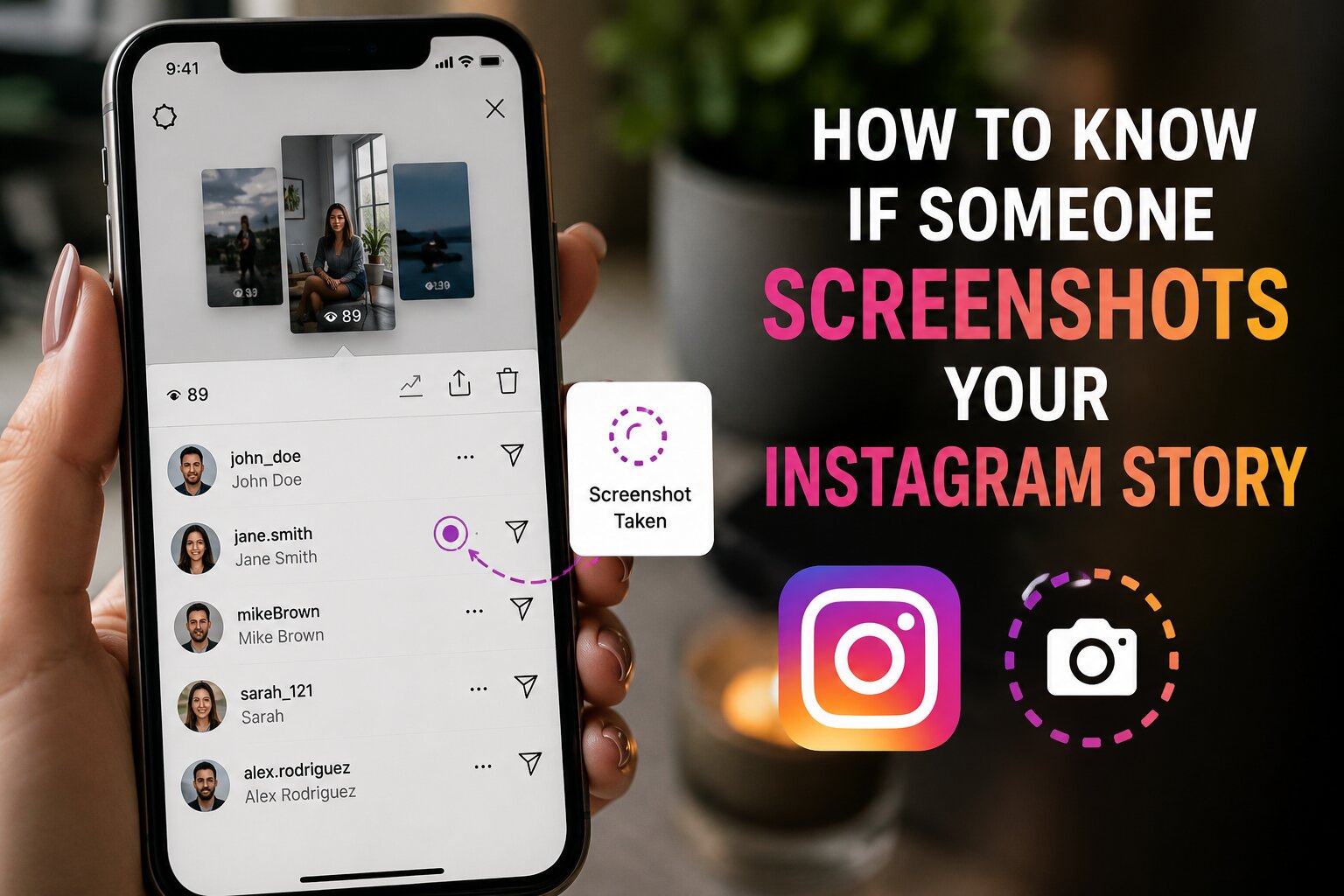
How to Know If Someone Screenshots Your Instagram Story Today
A while back, Instagram eliminated the notifications for regular stories, so there are no longer. The app used to notify users when someone took their story. This is no longer available for regular stories. In 2026, it will be impossible to see who screenshots your everyday Instagram story.
Many long-time users were taken aback by this change. Instagram took the notification feature down in the background in the year 2018. Since then, the poster can’t see story screenshots. You can take as many screenshots as you want without notifying your followers.
Where Screenshot Notifications Still Work
Instagram still notifies you in specific situations. These exceptions are important if you are interested in story privacy.
Disappearing Photos and Videos in Direct Messages
Instagram lets you know if someone takes a screenshot of a disappearing photo or video in the DMs. This is only for messages with the “vanish after viewing” mark. This does NOT apply to regular story posts.
Instagram Stories Sent as Messages
There is a variation in the rules for screenshot if someone forwards your story into a direct message. This behaviour has been found unstable and platform-specific in tests. This is not a reliable way to track.
Signs Someone Might Have Screenshotted Your Story
Instagram doesn’t let you know directly, but you can find hints.
Your Content Appears Elsewhere
Look to see if your story picture is displayed elsewhere. You might find reposted content when you do a reverse image search. There are tools such as Google Images that can be used to find duplicated photos.
Someone Mentions Details They Shouldn’t Know
Listen to what people are saying. When someone mentions certain aspects of the story later on, he or she has saved it. This is best suited for those you know personally.
Repeated Views From the Same Person
The list of your viewers on Instagram stories stays visible for 24 hours. If any individual views your story multiple times, there is a possibility that he or she may be taking a video of your story.
Unusual Behavior After Posting
Pay attention to immediate reactions to your post. If someone suddenly mentions to you sensitive information, they’ve probably taken a screenshot of it. This trend is common with posts that are sensitive and/or emotional.
Screenshots Shared Back to You
Sometimes people will take screenshots of stories and email them to you or the person they know. This does not mean that Instagram notified you about the screenshot but proves that a screenshot was made. Treat this as a definite, straightforward sign, not a hunch.
Does Instagram Show Screenshot Alerts on iPhone or Android?
No. The Instagram app does not provide a notification for a screenshot of a Story, for both iOS and Android. This is true for all devices. Apple and Android systems don’t either supersede the internal notification guidelines of Instagram.
There were also rumors about receiving an alert specifically on the iPhone. The above-mentioned facts are completely false. The Instagram screenshots’ policy hasn’t changed for any devices or operating system.
Third-Party Apps That Claim to Detect Screenshots
There are a number of applications that offer to let you know who’s viewing your Instagram story in the story. Most of these apps don’t work as advertised. The official Instagram API does not provide any information about the screenshot to outside developers.
The apps that you download are a dangerous reality. Many ask you to provide your login information. This makes your account vulnerable to hackers and data theft. Don’t use third party screenshot detectors at all.
Rather, emphasis should be placed on trusted privacy practices. Original photos are as important to travel content creators as personal moments are to others. Keiko Fujimoto, among others, tends to watermark travel photos before sharing stories; even if they are screened, it will not allow for unauthorized use.
Why These Apps Fail
Instagram’s back end doesn’t keep any logs of screenshots from external developers. Any app that says otherwise is a guess and fake. These apps are frequently reviewed, and their reviews highlight broken features and false promises.
There are even apps that show fake notifications to make it look believable. The alerts are not related to any real activity on your account. Users end up believing false info regarding their story’s privacy.
Instagram’s Screenshot Policy: A Brief History
In 2018, Instagram added disappearing photo notifications that appear on screenshots. There was no such feature at launch time for regular stories. There was confusion due to early reports about the scope of the update.
Instagram did not say it would resume offering alerts for screenshots of regular stories. This longstanding policy is reflected by the current privacy settings. It is considered permanent and users should plan accordingly.
How to Protect Your Instagram Story From Screenshots
It is not possible to completely prevent screenshots, but there is a way to minimize risk.
Limit Story Audience
With the “Close Friends” feature only certain people can view your story. Less viewing equals less opportunity for unwanted screenshots.
Avoid Sensitive Information
Avoid posting any personal information like addresses, telephone numbers, or travel details. Creating a screenshot of such data is risky from the point of view of security.
Turn Off Story Sharing
Turn OFF the setting to share your story to another story. This restricts the dissemination of your content.
Review Your Follower List Regularly
Unfollow people you don’t know or trust. The smaller and more loyal the audience, the less of a concern screenshots are.
Use Watermarks on Original Content
Before posting photos as stories, add a small watermark. This will not prevent screenshots but will assure you of the ownership if content is shared. This is a popular way for many travel creators to protect their content.
Set Stories to Expire Faster
If you have sensitive stories, you may want to save them manually rather than waiting 24 hours. If the content is removed early, there’s less time for screenshots. It is suitable for updates that happen over time or for personal information.
Comparing Instagram to Other Platforms
Snapchat continues to alert users when screenshots have been taken of their regular content. This will make it confusing to a user who changes apps. Instagram has remained mum on this issue while Snapchat is being clear.
It is important to be aware of these distinctions between platforms because then the privacy settings can be appropriately established. Remember that Instagram does not function like other social media applications. There are certain policies for capturing content in each one.
This is important for travel bloggers with a number of blogs. If the same content is posted to both Instagram and Snapchat, then different rules apply to the screenshots. Before posting personal travel updates on various platforms, go through these review guides on content protection strategies.
Does Story Type Affect Screenshot Detection?
All regular Instagram stories are treated equally. There are no screenshot alerts in photo stories, video stories or text stories. This rule does not exclude the format of your content.
Close Friends Stories
There is no Screenshot notification even for Close Friends stories. A lot of users think that this is a privacy protection feature for a smaller audience since it is so small. This is not the truth as the same screen shot criteria still apply.
Business and Creator Accounts
There are no special tools for screenshots for business accounts either. Instagram Insights provides you with data on views, replies, and taps forward, but not screenshots. Brands need to use engagement data rather than screen shot data.
The Technical Reason Behind No Notifications
A screenshot is a snapshot of the contents of your screen at that time. Instagram’s system doesn’t keep track of this action at the operating system level for stories. The app is only able to identify screenshots when inside the app and for specific features such as “disappearing messages”.
This is a technical limitation that is why story screenshots still can’t be traced. The Instagram app would have to have deeper system access in order to track all the screen shots. Existing privacy regulations and app permissions do not provide for that kind of tracking.
FInal Thoughts
Understanding how to know if someone screenshots your Instagram story comes down to one fact: you can’t. Years ago Instagram no longer alerted users about screenshots of stories. The feature applies only to the disappearing DM content. Don’t go the route of false hope solutions when it comes to detection, but rather a smarter approach to privacy habits. Narrow down your audience, steer clear of sensitive information and avoid risky third-party applications. These steps keep your content well protected, better than any screenshot alert could!
FAQs
1. How to know if someone screenshots your Instagram story without an app?
It is impossible to know for sure. Instagram doesn’t notify you of standard story screenshots. Instead, look for indirect messages, such as retweets or comments that are pointedly not on-topic.
2. Does Instagram still notify screenshots on stories in 2026?
This was removed years ago from regular Instagram stories. Disappearing photos and videos in direct messages are only notifiable.
3. Can I know how to know if someone screenshots your Instagram story on iPhone specifically?
There aren’t any specific screen shot alerts for No. iPhone users. The rule is the same for Android and iOS versions of the app.
4. Are third-party apps reliable for checking Instagram story screenshots?
No. There are no really good third-party detectors of screenshots. They tend to ask for dangerous permissions and can endanger your account’s security.
5. What’s the best way to protect my story if I can’t know about screenshots?
Use Close Friends to restrict the number of people who can view your work. Don’t put up personal information. To minimize unwanted exposure, turn off story resharing.